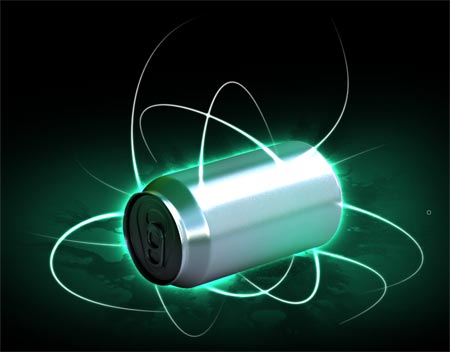
آموزش چگونگی ایجاد جریان رگه های شدید نور در اطراف یک جسم یا فرد.
پاک کردن اکثریت ترک مناطق خطوط را انتخاب کنید که به ترکیب و یا در اطراف جسم انجام شود.
Erase out the majority of the lines leaving select areas which blend into or around the object.
مرحله هفدهم:
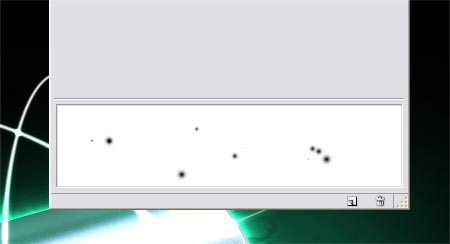
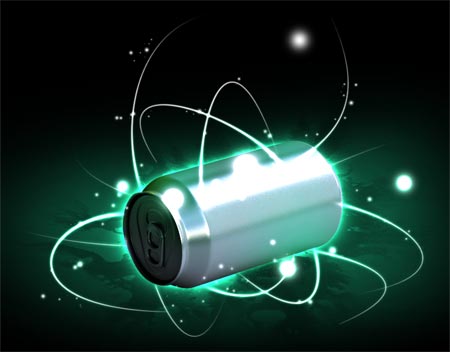
علاوه بر مشترک به این سبک مرسوم ، مد روز آرایه ای از ذرات نور درخشان است. راه اندازی یک قلم مو ، این بار با بازی در سراسر Scatter ، فاصله و حجم گزینه لرزش.
A common addition to this trendy style is an array of glowing light particles. Setup another brush, this time play around with the Scatter, Spacing and Size Jitter options.
مرحله هجدهم:

مرحله نوزدهم:
پاک کردن بسیاری از ذرات را ترک اثر نامحسوس با اختلاف اندکی در تاری.
Erase out the most of the particles to leave a subtle effect with slight differences in opacity.
مرحله آخر:
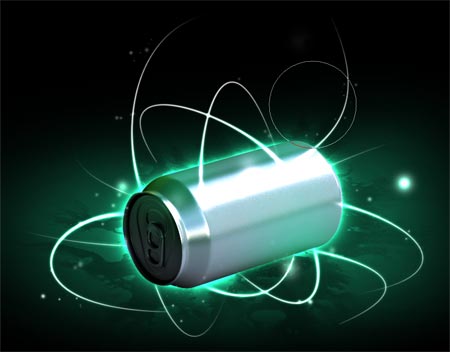
پایان کردن تصویر با فاصله کانونی چند حلقه در لایه های چندگانه با ایهام بسیار کم است. این کمک ها مربوط به اشیائی که نظر می رسد که نور عکاسی با یک دوربین ، اضافه کردن یک رئالیسم کمی اضافی.
Finish off the image with a few focal rings on multiple layers with very low opacity. These help relate to the objects that appear when photographing light with a camera, adding a little extra realism.

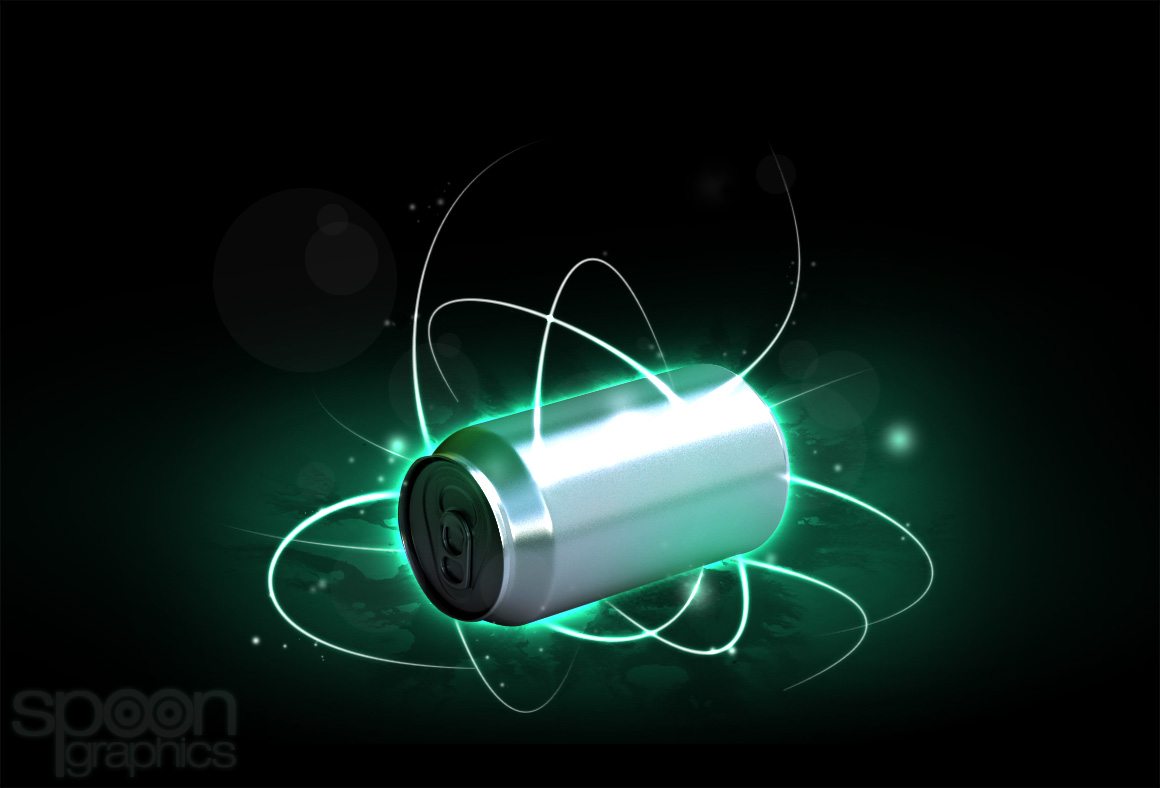
پایان :
تصویر بدست آمده
تلفن تماس : 09193138658